HHenrySystems
Dental patient learning
evaluation overview
Dental learning on the patient's phone

See how the dental mobile app works.

The bilingual dental learning mobile app lets patients explore oral-health topics and ask their own dental questions using Controlled AI.

This page shows the actual patient experience, how the app is placed on a phone, and the anonymous usage information available for evaluation.

The patient experience

The app starts with structured dental learning and lets the patient continue by asking the questions that occur to them.
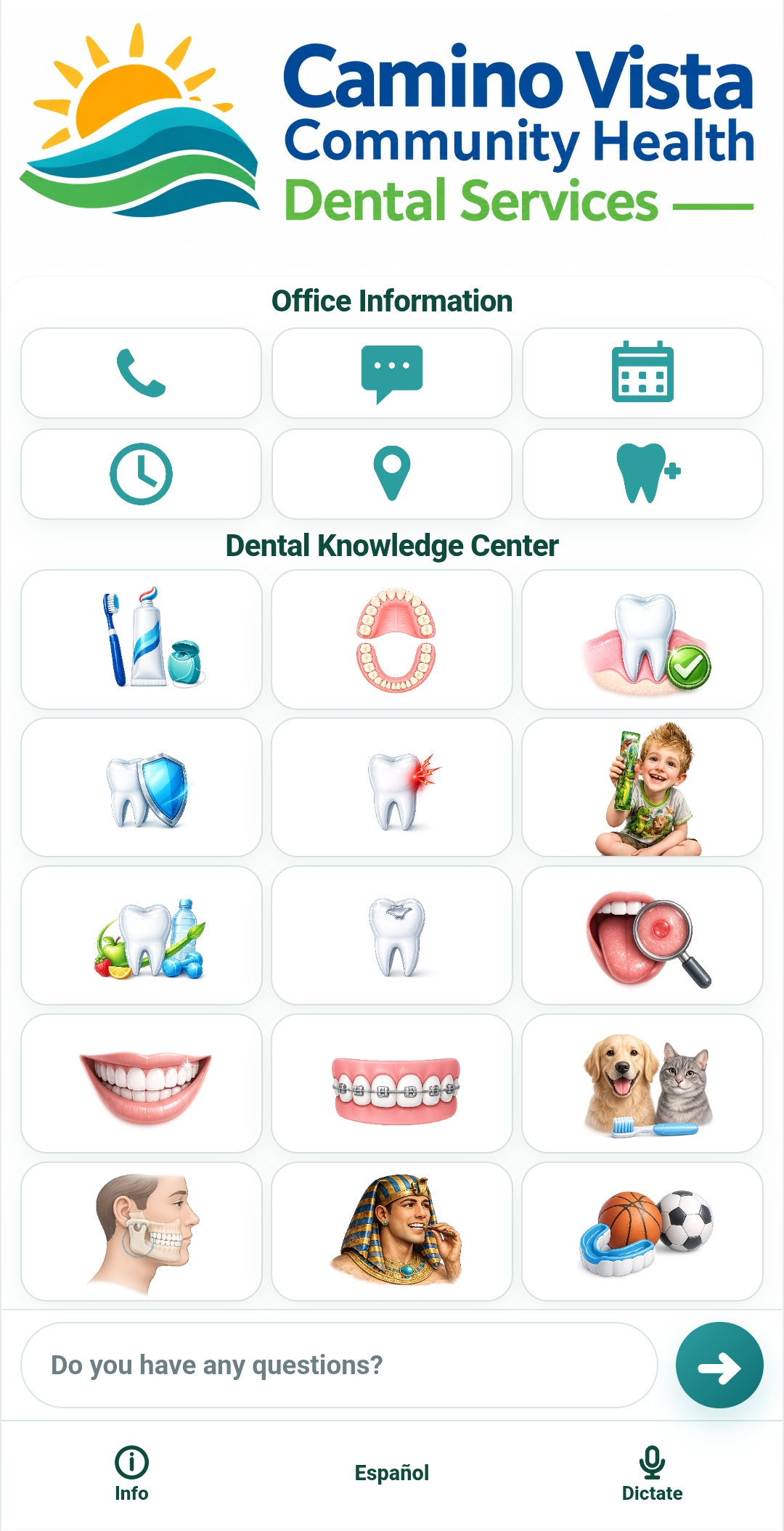
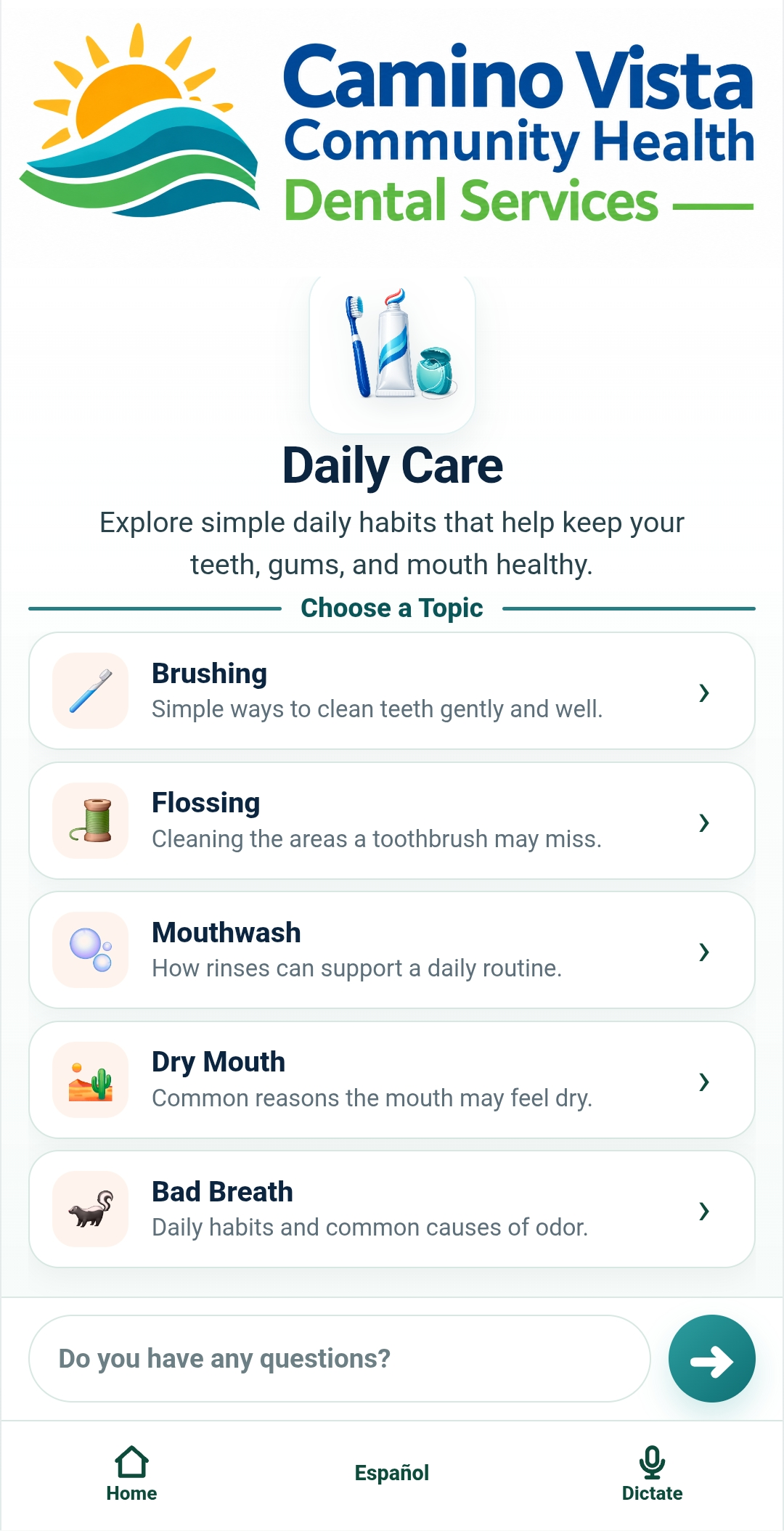
Dental mobile app home screen
1. StartOpen the dental app and choose where to begin.
Daily Care topics in the dental mobile app
2. ExploreSelect a dental category and topic.
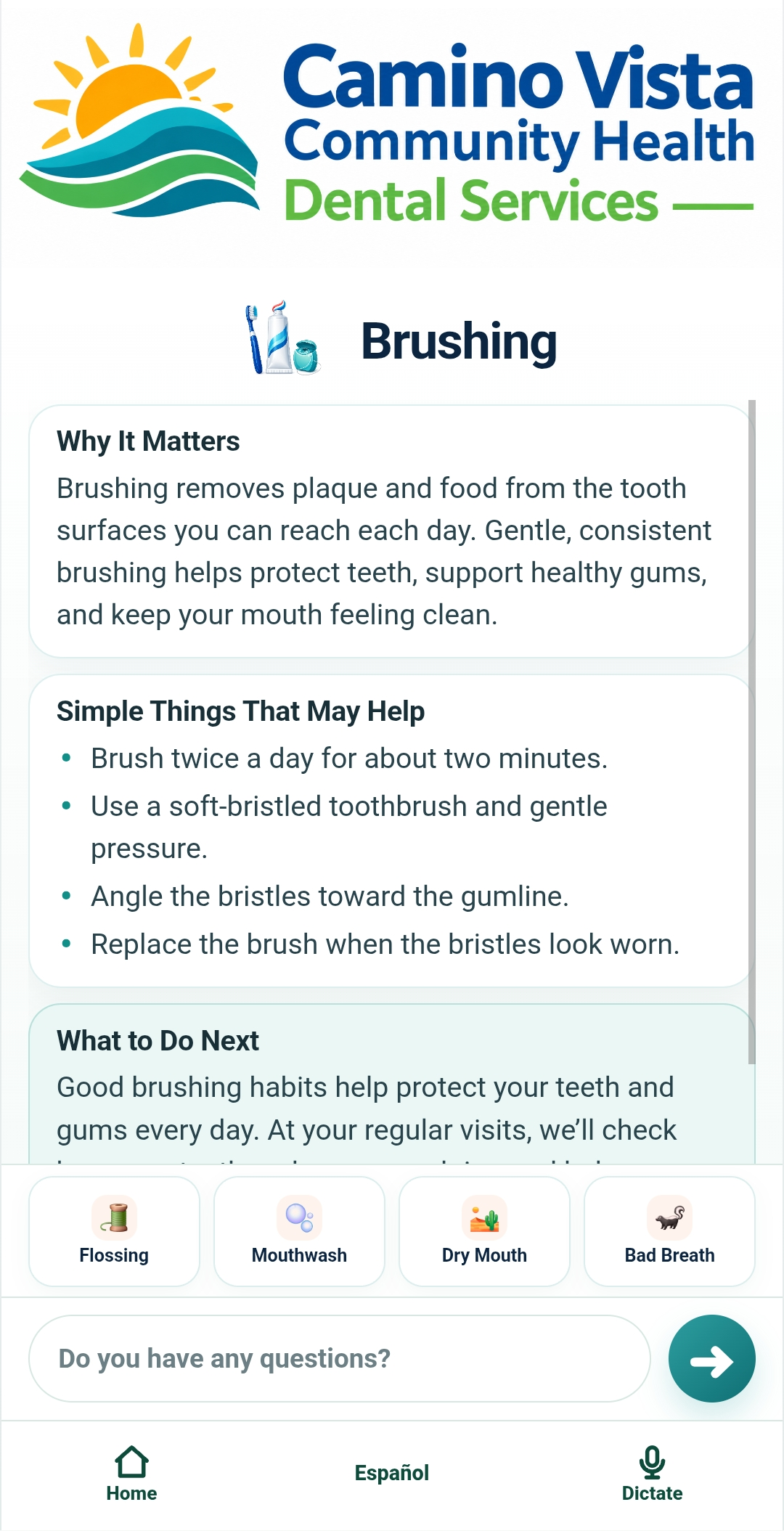
Brushing learning cards
3. LearnRead focused information in short learning cards.
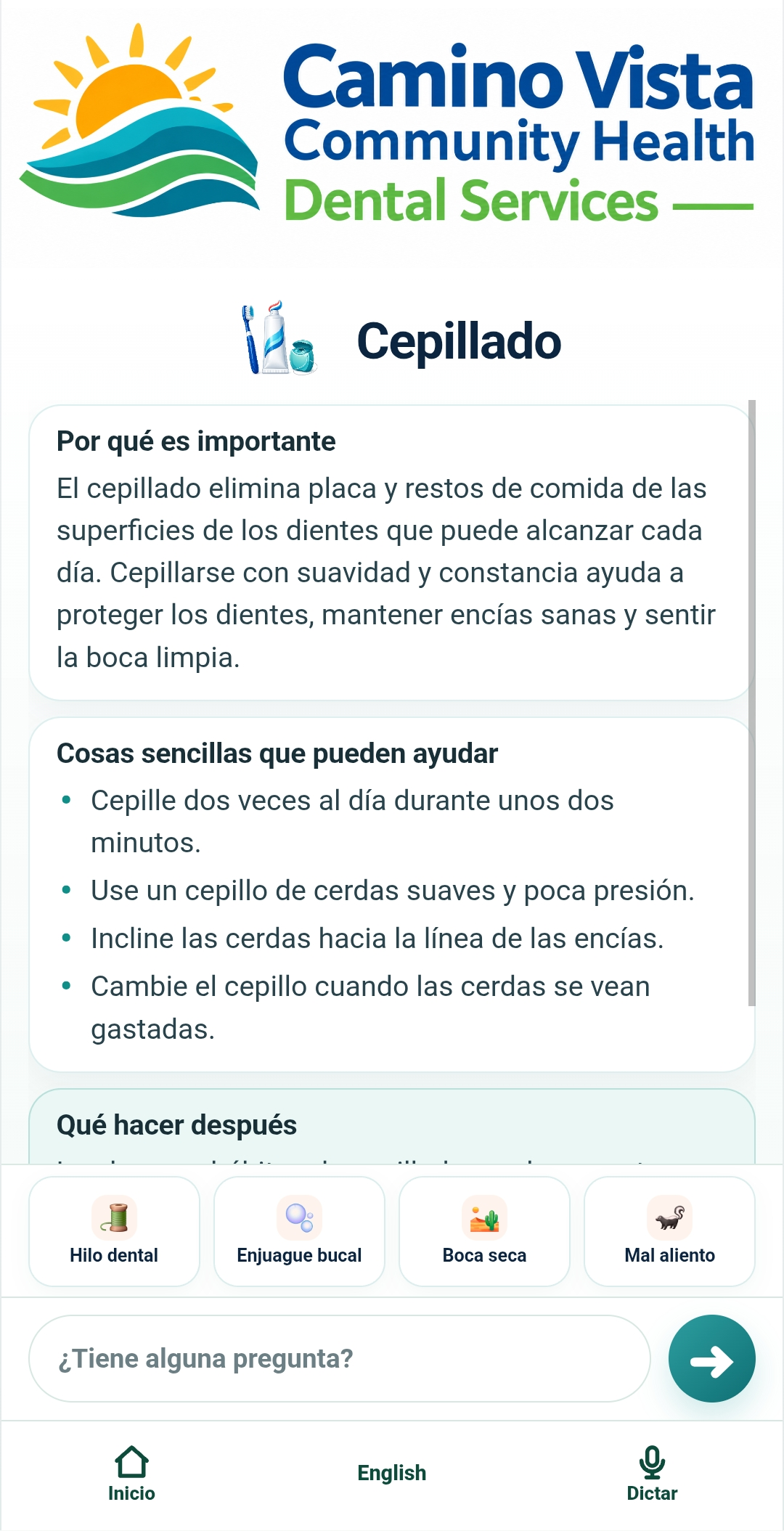
Spanish brushing learning cards
4. EspañolUse the same learning experience in natural Spanish.
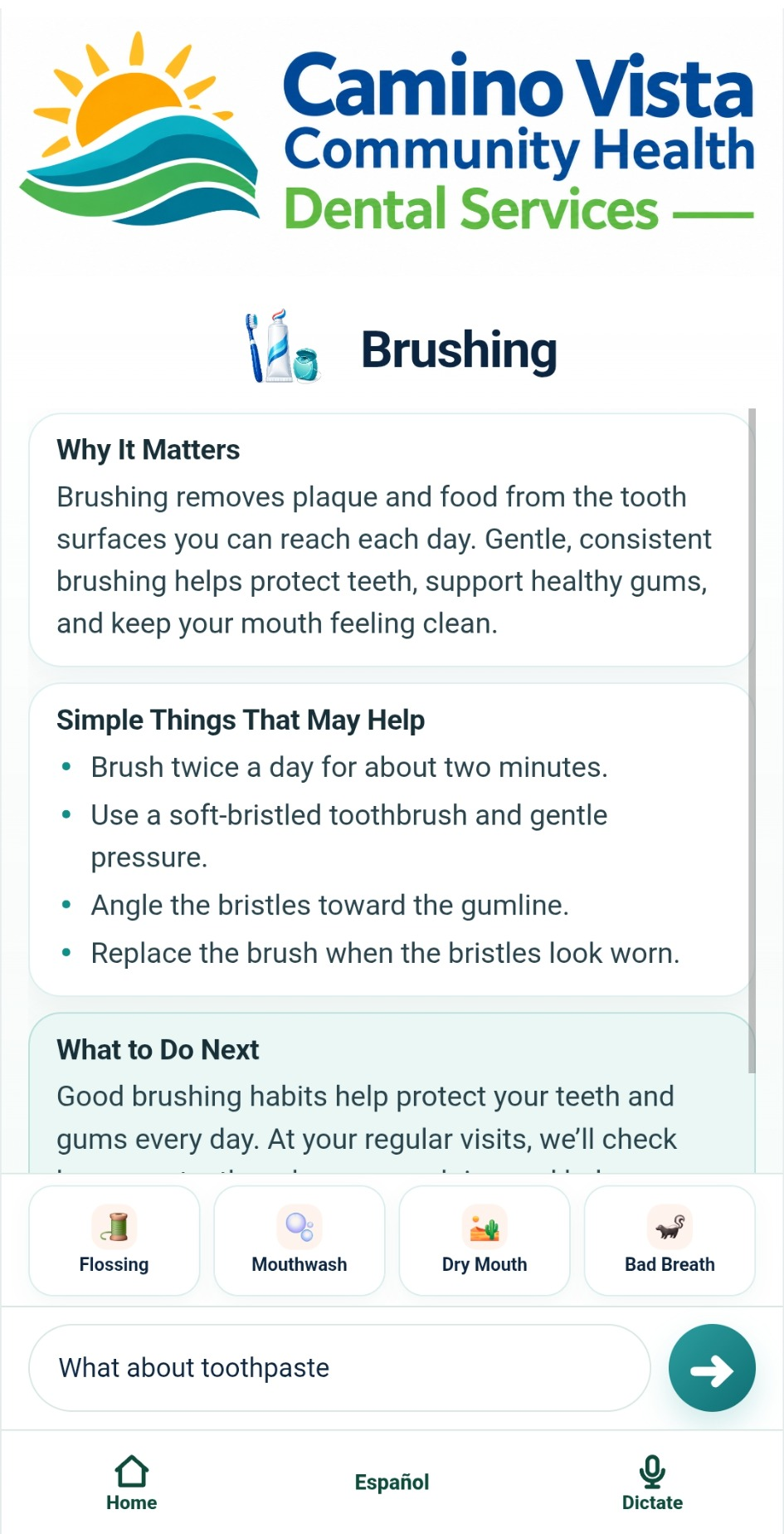
Patient asking about toothpaste
5. AskType or dictate a dental or oral-health question.
Dental mobile app answer to toothpaste question
6. ContinueReceive a focused answer and keep the conversation going.

General dentistry today. Customizable for specific programs.

The demonstration app covers general dental and oral-health education in English and Spanish. The dental mobile app can also be configured around a specific patient population, educational program, clinical setting or area of study while keeping the same simple patient experience.

Population: adapt learning content for the patients and communities a program serves.
Setting: deploy through a dental clinic, hygiene program, or community setting — with patients, students, and staff participating.
Study: compare how groups use the system, the questions they ask, and how it becomes part of patient education.
Staff & Students: integrate Camino Vista into patient education, clinical learning, and everyday use.

Try the dental mobile app on your phone

Scan the QR code to open the live demonstration. Explore a topic, switch languages, and ask your own dental questions.
QR code to open the UC Camino Vista dental mobile app demonstration

Open the demo app

Use your phone camera to scan the code.

Keep the app on your Home Screen

After opening the app, add it to your phone so it remains available after you leave the dental facility.

iPhone · Safari
Tap Share → More / Other → Add to Home Screen.
Android · Chrome
Tap the Menu → Install app → confirm installation.

Designed to move from the dental facility to everyday use

The clinic or program is the distribution point. The patient leaves with the learning resource already available on their own phone.
1
Dental facilityA participating site provides its QR code.
2
Patient phoneThe app opens in the browser and can be added to the Home Screen.
3
Learn & askThe patient explores topics and asks questions in English or Spanish.
4
Goes homeThe app remains available when the next question occurs.
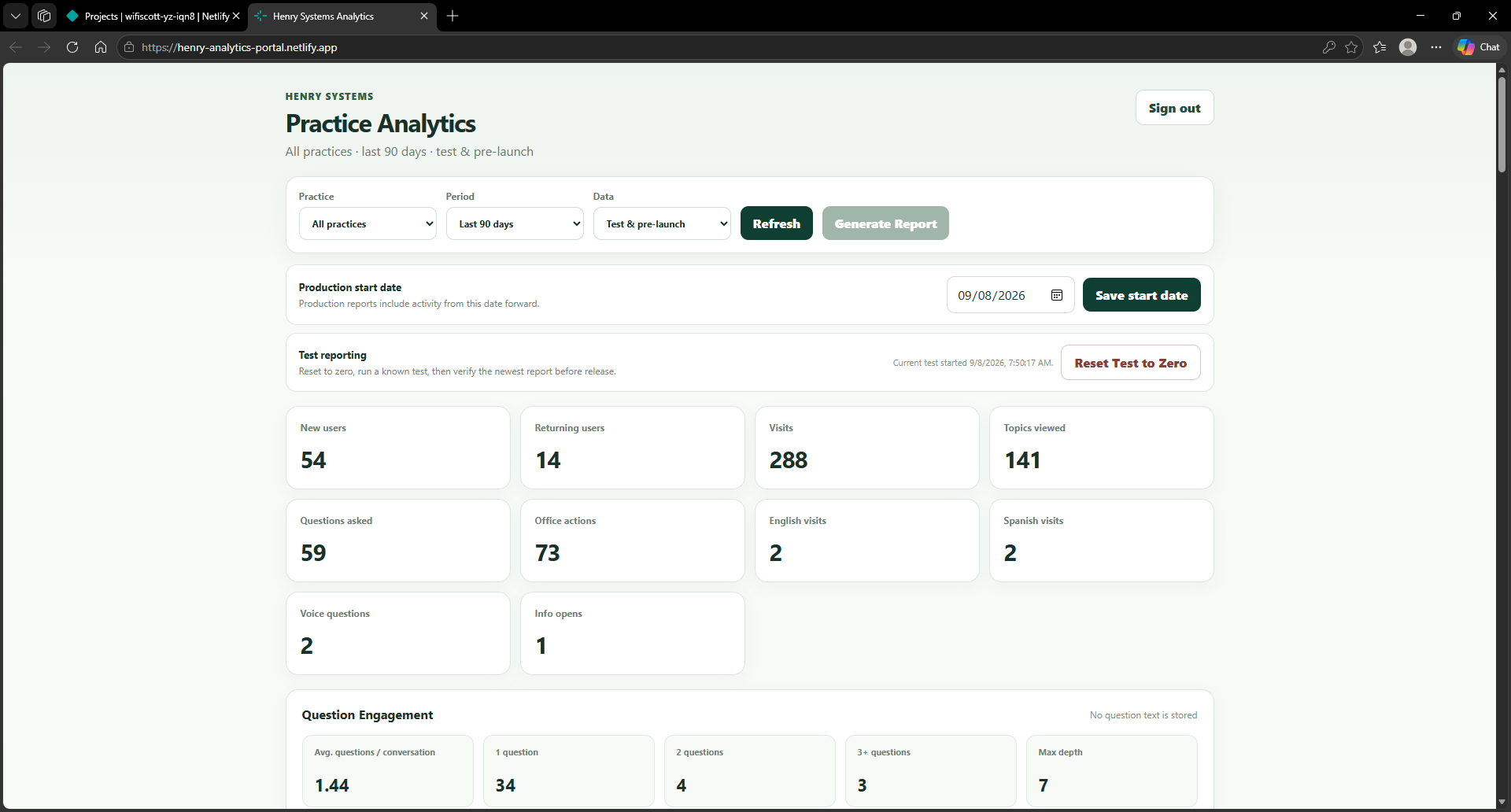
Henry Systems Practice Analytics portal
Example Henry Systems analytics portal. Evaluation views can be configured for the participating site or program.

See how the app is being used.

Anonymous usage analytics provide an evaluation layer around the patient experience without requiring a patient account.

New & returning app users
Visits and activity over time
Categories & topics viewed
Questions and conversation depth
English / Spanish use
Site-level activity
View Evaluation Analytics